01
Your infrastructure, at hand
Check devices, ports, health and historical charts on your phone. Keep the information you need close, in the office or on the move.
 FEB/LibreNMS
A native mobile experience for LibreNMS.
Monitor, investigate and respond, wherever you are.


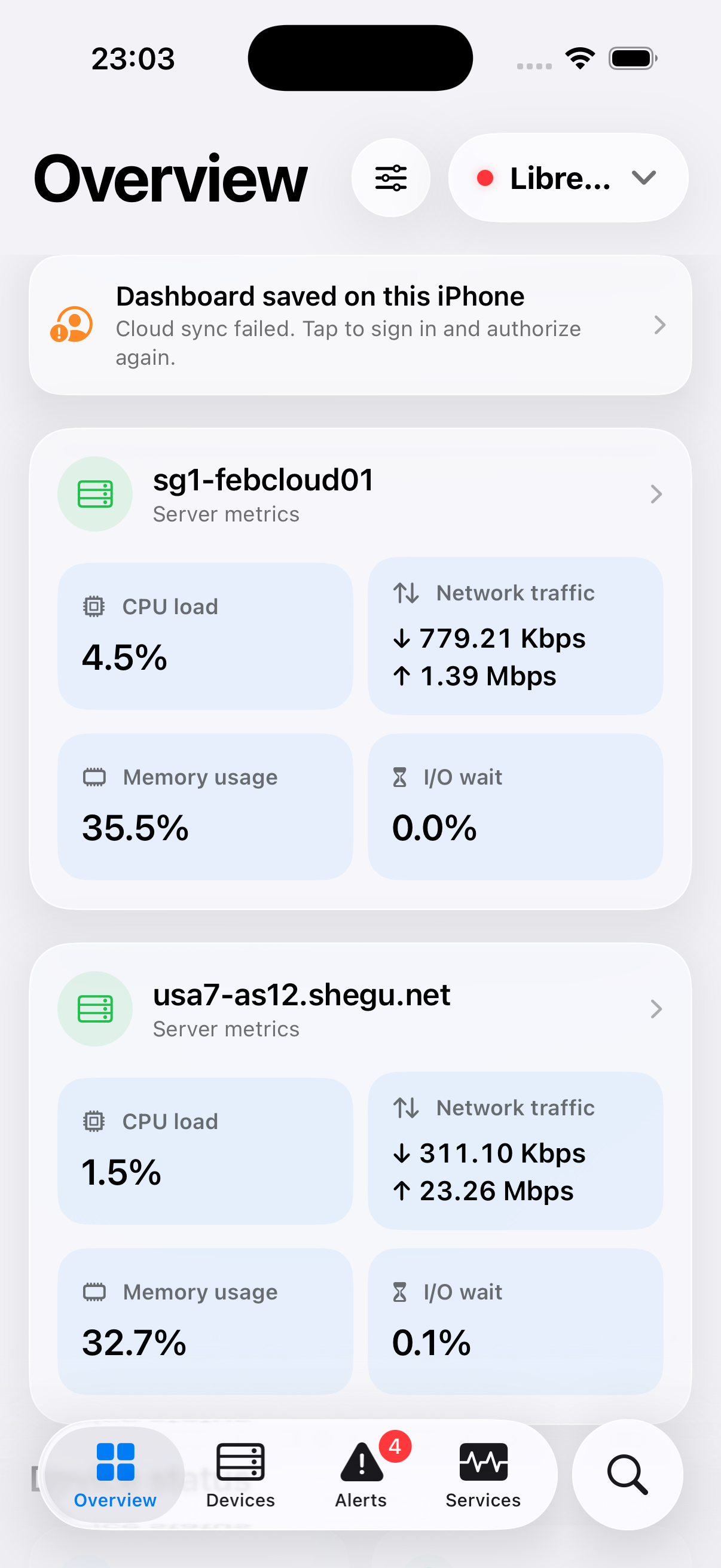
Incidents do not wait for you to get back to your desk. FEB LibreNMS brings essential data, alerts and response tools to your phone, with the speed and feel of a native app.
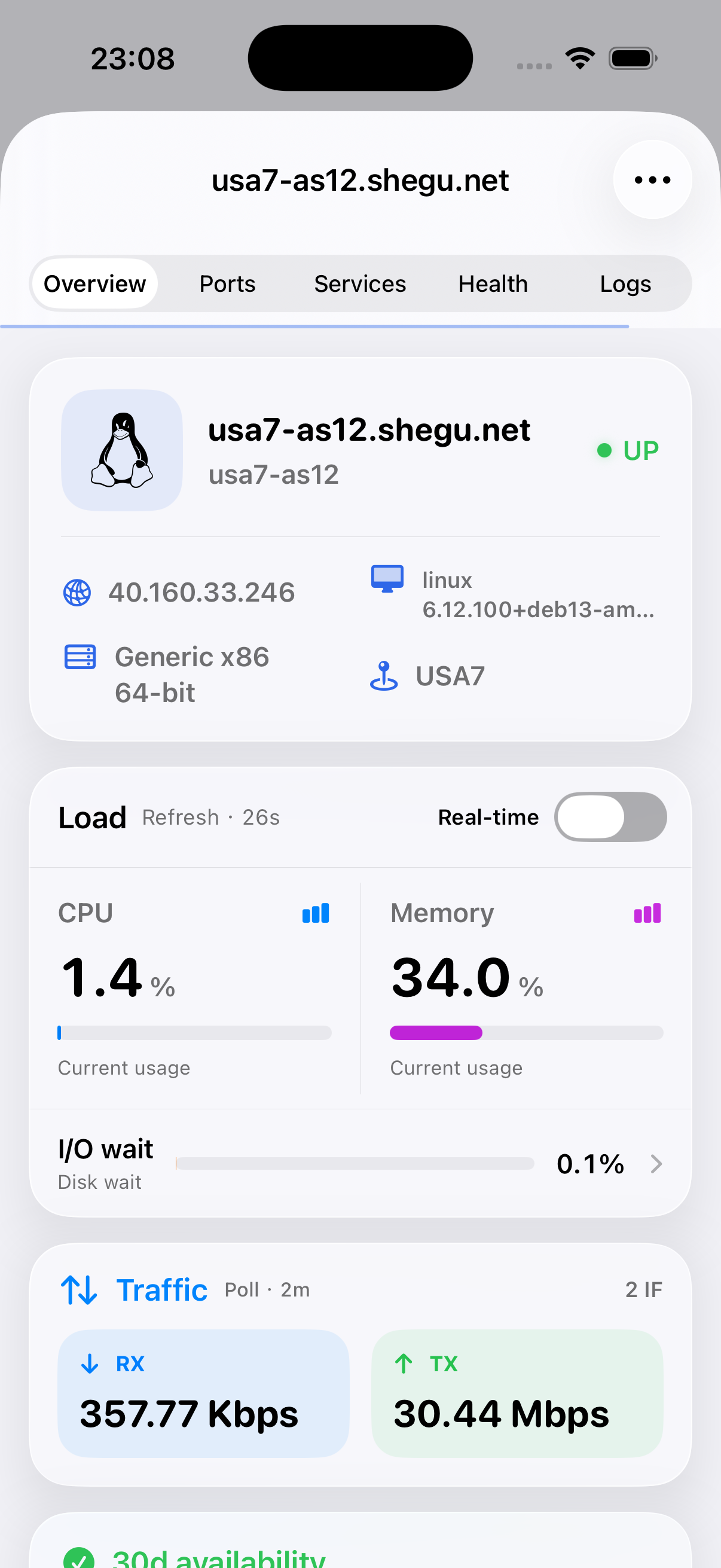
Check devices, ports, health and historical charts on your phone. Keep the information you need close, in the office or on the move.
Find the issue, acknowledge the alert and start responding. Built for operations teams that need to move quickly from detection to action.
Our real-time monitoring capability works beyond the traditional SNMP polling cycle, so you can see server performance changes sooner.
Traditional monitoring charts depend on polling intervals. With updates every 1–3 seconds, our real-time capability helps you see load spikes, traffic shifts and resource changes as they happen.
LibreNMSAnimation pausedNative Swift on iOS, Kotlin and Jetpack Compose on Android. Every screen is designed for touch, readability and quick actions. The real app screenshots below show the iOS experience.
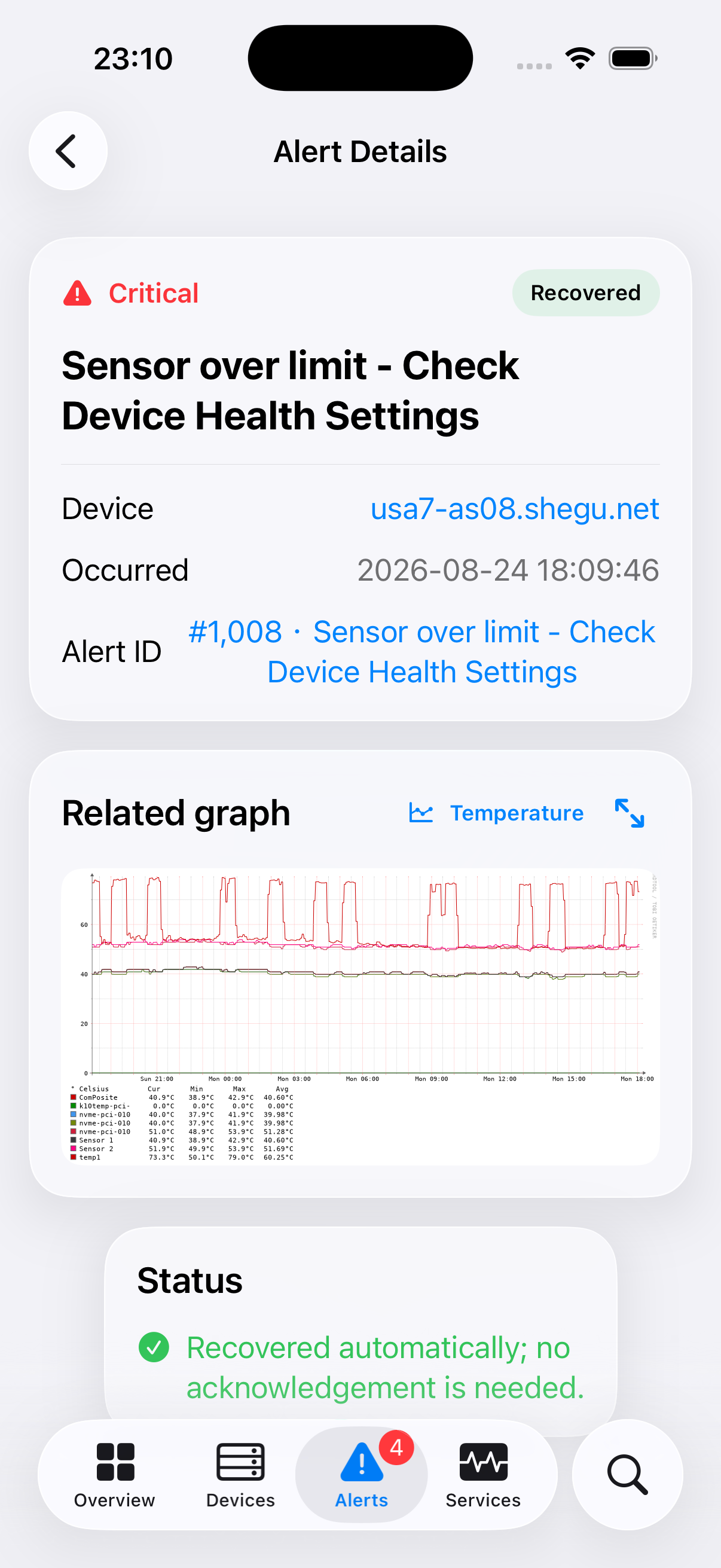
We are planning a smarter way to handle alerts. AI will combine alert context with live performance to help assess when human attention is needed, so you can focus on the issues that matter.
PLANNED · PRODUCT ROADMAPChoose an example to follow the decision path. Every branch remains visible.
Growth is slow, service is healthy and forecast headroom extends beyond the next working period.
STABLE CAPACITY WARNINGCorrelate current state with service checks, recent history and the on-call schedule.
Confirm sustained normal metrics and restored service. Unresolved impact or security risk stays in the decision flow.
Update the incident, retain the evidence and avoid an unnecessary page. Escalate if the alert returns.
Service outage, spreading impact, security risk or insufficient evidence calls for immediate human attention.
Send the impact, evidence and suggested next action. Authorized recovery may run in parallel; it must not delay notification.
Only use a preauthorized, bounded action with a clear success check. Limit retries; never loop indefinitely.
Apply the approved action, then check fresh metrics and service health.
Record the action and observe.
Stop retries and notify a human.
Impact is limited and the trend is stable, with enough headroom to reach the next staffed period.
Assign an owner and due time. Include the evidence and recommended action, with monitoring until it is handled.
If waiting cannot be justified, hand over the context without treating the issue as resolved.
Keep checking recovery and queued work. Repeated alerts, failed remediation or worsening conditions trigger a fresh assessment and escalation.
Not recovered → not urgent → no authorized auto-fix → safe to wait → schedule for working hours.
FEB LibreNMS uses the official API. Where capabilities are missing, we have submitted API improvements to LibreNMS for consideration, hoping to make them available to the entire community.
LibreNMS is an independent open-source project. This app is independently developed by FEB PTE. LTD. and is not an official LibreNMS product.
Yes. FEB LibreNMS is free for LibreNMS users, as a contribution from FEB PTE. LTD. to the open-source community.
Most features use the official LibreNMS API with no additional server code. Some enhanced features may require the new APIs we have proposed. Core monitoring works even without these extensions.
You need your LibreNMS instance URL and an API token with appropriate permissions. Credentials are stored securely on your device and are not hosted by FEB.
Both apps are now available for free. Use the App Store button for the native Swift iOS app, or the Google Play button for Android, built with Kotlin and Jetpack Compose.
FEB PTE. LTD. independently develops this third-party mobile app. It is not an official LibreNMS product. The app is free to use, but the client code is not open source. LibreNMS itself remains an independent open-source project.
Now available on the App Store and Google Play. Native on iOS and Android. Free to use, with no ads.
The FEB LibreNMS app icon is revealed, followed by the announcement that the iOS app is now available on the App Store.